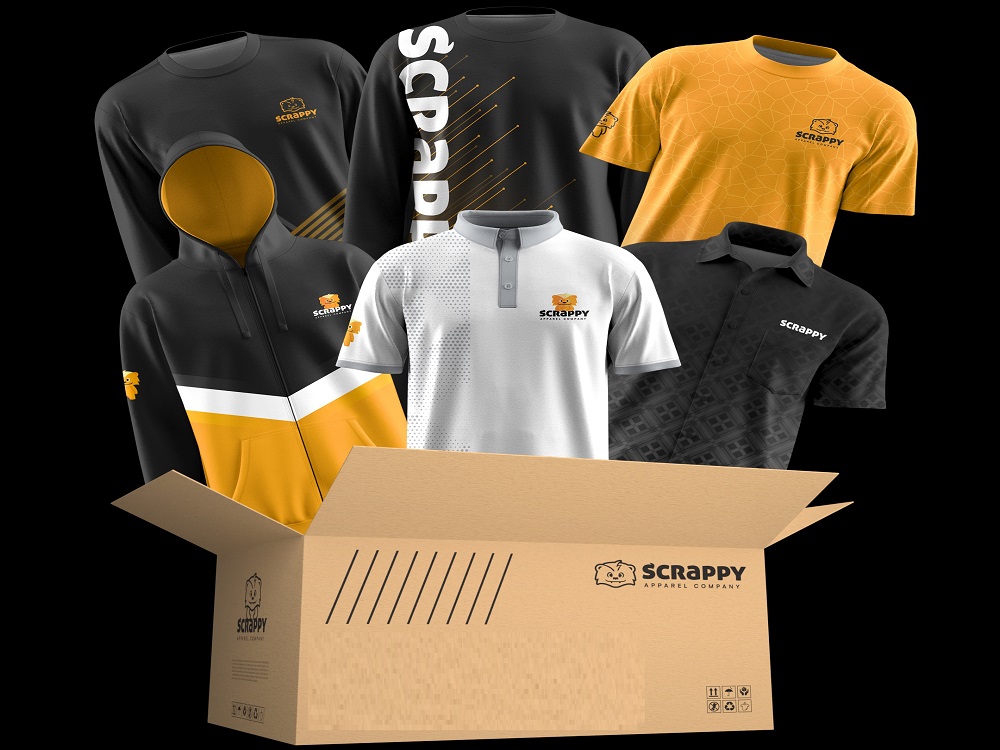
Managing e-commerce orders manually works fine when you are shipping a handful of packages a week. But as volume picks up, manual fulfillment turns into a bottleneck. Missed orders, inventory mistakes, and shipping delays start costing you customers.
Integrating your Shopify store with a fulfillment partner automates the heavy lifting. Orders flow straight from your store to the warehouse, inventory updates in real time, and customers get tracking info without you touching a thing. Here is how to find the right partner and get the integration up and running.
Step 1: Choose The Right Partner
Not every fulfillment provider plays well with Shopify. Some run outdated systems that need workarounds. Others charge extra for integration or limit what data actually syncs.
When you are evaluating options, get specific. Does the integration sync orders in real time or in batches? Does inventory update automatically? Does tracking push back to Shopify? Is there a setup fee?
A partner that handles both apparel manufacturing and fulfillment has an edge here: production and shipping are already coordinated, so you are not managing handoffs between a printer and a separate warehouse. You get one point of contact instead of juggling vendors.
Look for partners experienced with enterprise custom merchandise solutions if you are running a larger operation with multiple product lines or high order volume. They should be able to handle complexity without breaking the integration.
Step 2: Let Your Partner Handle The Technical Setup
You do not need to be technical to get this done. Most fulfillment partners manage the integration setup for you.
Your partner will install a Shopify app or connect via API, then walk you through granting permissions. They handle the backend configuration and make sure data flows correctly.
Your main job is providing accurate product information. Your partner will map each SKU in Shopify to the corresponding item in their warehouse. If mappings are wrong, orders ship the wrong product, so review carefully before going live.
A good partner will schedule a call to walk through everything. If they expect you to figure it out alone, that is a red flag.
Step 3: Understand What The Integration Does
Once connected, orders sync automatically. A customer places an order on your site, and within minutes it appears in your partner’s system, ready to be picked, packed, and shipped.
Inventory stays in sync too. When stock levels change at the warehouse, your Shopify store updates automatically. That prevents overselling and keeps your product pages accurate.
Tracking information flows back as well. Once an order ships, the tracking number populates in Shopify and triggers a notification to your customer. The whole process runs without manual data entry.
For brands using apparel manufacturing and fulfillment under one roof, this integration ties production, warehousing, and shipping into a single workflow.
Step 4: Set Up Inventory Alerts And Reorder Triggers
Your fulfillment partner manages physical inventory: receiving stock, storing it, and updating counts as orders ship. You monitor levels through Shopify or your partner’s dashboard.
Many enterprise custom merchandise solutions include reorder alerts. When inventory drops below a set threshold, you get a heads-up to reorder before you run dry. Some partners also offer automatic reordering, where a new production run kicks off once inventory hits a certain level. Ask your partner to configure this if you have steady sales.
Step 5: Confirm Return And Packaging Processes
Returns are part of the game. Your fulfillment partner should have a clear process for receiving returned items, inspecting them, and restocking. Ask whether inventory updates automatically or require manual input.
Packaging matters too. Discuss branded options during onboarding: custom mailers, tissue paper, stickers, printed inserts. If unboxing experience matters to your customers, make sure your partner can deliver.
Step 6: Test Before Going Live
Before flipping the switch, run test orders. Make sure orders sync correctly, inventory updates properly, and tracking info makes it back to Shopify.
Your partner should run these tests with you and troubleshoot any issues before real orders start flowing. Catching problems now saves you from refund requests later.
Final Considerations
Connecting Shopify to a fulfillment partner takes manual work off your plate. The best part is that your partner handles most of the technical setup. Your job is choosing the right partner, providing accurate product data, and testing before launch. Do that, and you are set up to scale.