You have a great logo or design saved as a JPG file, but your embroidery machine needs a PES file to stitch it beautifully. Making that jump from a flat image to a stitch-ready format can feel tricky, yet when you convert JPG to PES correctly, it unlocks professional embroidered results on caps, jackets, towels, and more. Converting your artwork properly ensures crisp edges, vibrant coverage, and smooth production runs.
Why You Should Convert JPG to PES
JPG files work wonderfully for websites and photos, but they fall short for embroidery. These raster images break apart when scaled and give machines no instructions about how to actually stitch the design. PES format, on the other hand, contains precise stitch data that tells embroidery machines exactly where to place each thread, in what order, and with which type of stitch.
Professional conversion delivers durable, high-quality embroidery that withstands washing and daily wear. You avoid common disasters like puckered fabric, thread breaks, or missing details. Businesses, apparel makers, and hobbyists all rely on this process to turn ideas into polished products that customers love. In 2026, with custom embroidery booming, mastering this conversion helps you create standout pieces efficiently and consistently.
Understanding JPG and PES Formats
JPG is a pixel-based format great for photographs but limited for production. It loses quality when enlarged and carries no information about stitches, density, or thread paths. PES is a specialized stitch file developed for embroidery machines. It includes commands for jump stitches, color changes, trims, and specific stitch types that create beautiful textures and solid fills.
The conversion process is not a simple file rename. It requires digitizing expertise that interprets your image and rebuilds it as thousands of intelligent stitches. This transformation makes your design machine-ready while preserving its original look and feel.
The Step-by-Step Process to Convert JPG to PES
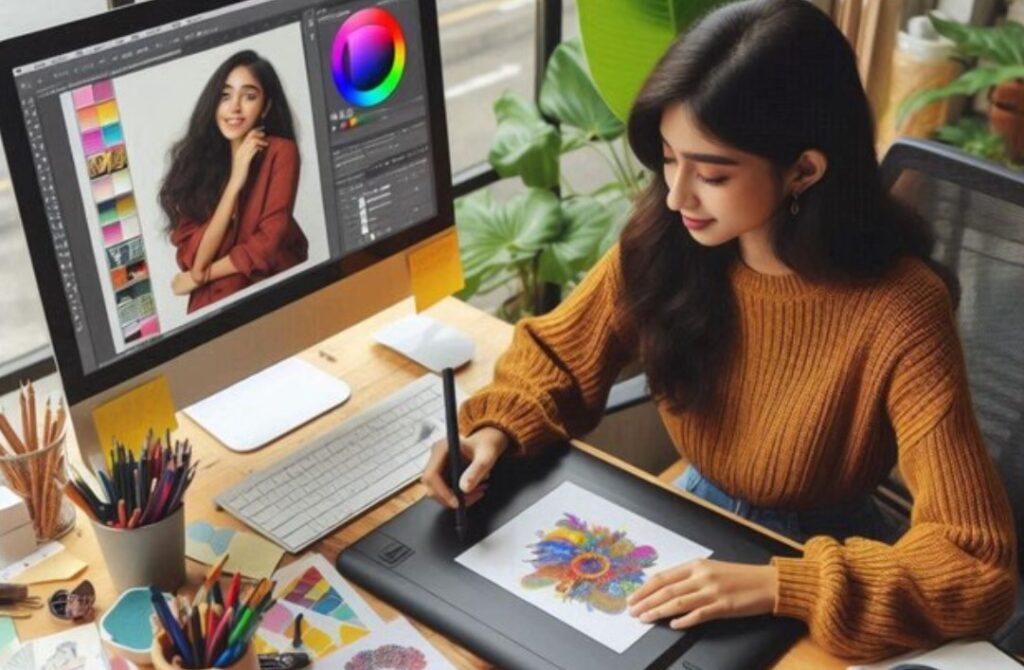
Successful conversion follows a logical workflow. Start by choosing a clear, high-resolution JPG. The sharper your source image, the better the final stitch file. Professionals begin by importing the image into digitizing software and cleaning up any unwanted background or noise.
Next comes the outlining phase. They trace important shapes and create paths for satin stitches on borders or columns. Then they add underlay stitches that stabilize the fabric and support the top layer of embroidery. This foundation prevents distortion and ensures solid coverage.
After building the main elements, they fill larger areas using techniques like tatami or fill stitches while controlling density. Density determines how closely threads sit together — too loose leaves gaps, too tight creates stiff, heavy embroidery. Finally, they sequence the stitch order, add color stops, and optimize for efficient machine performance with minimal jumps.
The result is a complete PES file ready to load directly onto compatible embroidery machines.
Essential Techniques for Professional Embroidery Results
Quality conversion relies on several key techniques. Pull compensation adjusts stitch paths to account for fabric stretch, keeping letters and shapes accurate even on performance wear or knits. Variable density allows different parts of the design to have lighter or heavier stitching based on visual needs.
Underlay types vary by fabric. Edge walk, zigzag, or full grid underlays provide the right support for different materials. For text, digitizers often use satin stitches that create smooth, glossy columns perfect for lettering.
Modern approaches combine smart software assistance with careful manual refinement. This ensures artistic flow and technical precision that automatic tools alone cannot achieve. The goal remains creating embroidery that looks intentional, feels comfortable, and lasts long.
When and Why Needle Digitizing Matters
Needle Digitizing becomes essential for complex logos, detailed illustrations, or designs with small text and fine lines. This hands-on method lets experts make creative decisions about stitch direction, angle, and layering that deliver superior visual results. It adds the human touch needed for designs where basic auto-conversion would fall flat or cause production problems.
Common Challenges When Converting JPG to PES
Low-resolution JPGs create the biggest headaches. Blurry or pixelated source files force guesswork that leads to rough edges and poor quality. Complex color gradients also challenge the process since embroidery works best with solid thread colors rather than blended pixels.
Small details often disappear or fill in during stitching. Fine lines and tiny text require special handling, sometimes with slight enlargement or simplified shapes while maintaining readability. Dark fabrics need extra underlay planning so top colors pop instead of sinking into the background.
Stretchy or textured materials add another layer of difficulty. Without proper compensation, designs distort during sewing. Experienced digitizers anticipate these issues and build solutions directly into the PES file.
Practical Tips for Better Conversion Results
Prepare your JPG thoughtfully before starting. Use high-resolution files with good contrast and clean lines. Simplify designs where possible by reducing colors and removing overly fine details that may not stitch well at your target size.
Provide clear specifications. Share the intended garment type, fabric, final design dimensions, and any must-keep elements. This information guides better decisions during digitizing.
Always test on scrap fabric first. Run a sample stitch-out to check coverage, registration, and overall appearance. Make adjustments early rather than after producing dozens of items.
Consider the viewing distance and use. A patch viewed from afar can handle different techniques than detailed apparel worn up close.
Benefits of Professional JPG to PES Conversion
You gain reliable, repeatable results across large production runs. Machines run smoother with fewer stops, saving time and reducing thread waste. Your embroidered products look premium, which strengthens brand perception and customer satisfaction.
Durability improves significantly. Properly converted files create tight, locked stitches that resist cracking and fading. You also enjoy greater design flexibility since a good PES file supports multiple thread colors and slight size adjustments when needed.
The process ultimately saves money by preventing mistakes, rework, and material waste. It lets you focus on creativity and sales instead of troubleshooting technical embroidery issues.
Moving Forward with Confidence
Converting JPG to PES opens up exciting possibilities in custom embroidery. Whether you create branded merchandise, personalized gifts, or unique fashion pieces, this skill helps you produce work you feel proud to share.
Take time to evaluate your current designs and identify which ones would benefit from professional conversion. Understanding the process empowers you to make smarter choices and achieve consistent, eye-catching results every time.
With the right preparation and techniques, you transform ordinary JPG images into stunning embroidered realities that stand out and last. Embrace this workflow, experiment with different designs, and enjoy the professional finish that comes from mastering the art of turning pixels into beautiful, lasting thread.